

01
Smart TV
Watch directly on compatible Smart TV platforms without needing a separate streaming box.
IPTV UK Club is designed for flexible viewing across Smart TVs, streaming devices, mobile devices and computers. Choose the device that fits your setup and enjoy a simple IPTV viewing experience.
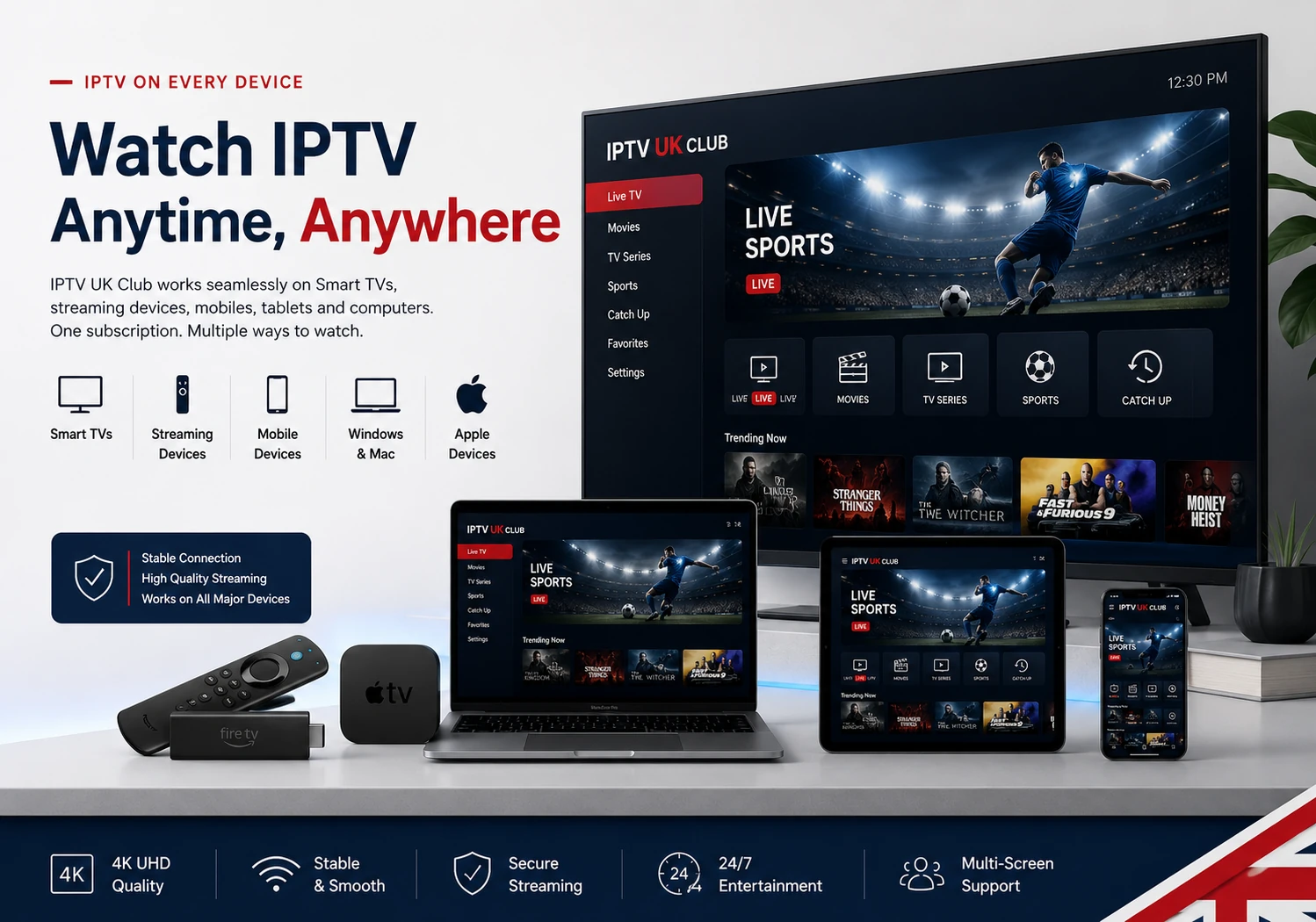
Your viewing setup should not limit how you watch. IPTV can be used across a wide range of modern televisions, streaming devices, smartphones, tablets and computers.
Watch directly on compatible Smart TV platforms without needing a separate streaming box.
Use Fire TV, Android TV and other compatible streaming hardware for a dedicated TV setup.
Take your IPTV viewing experience with you on compatible smartphones and tablets.
Android phones, tablets and Android TV devices provide flexible IPTV viewing options.
Compatible Apple devices can be used with supported IPTV applications.
Watch IPTV on Windows PCs and Mac computers using compatible IPTV software.
IPTV UK Club supports viewing across the major device categories. The application and installation method may differ depending on the device.
| Device | Platform | Support | Typical Setup |
|---|---|---|---|
| Samsung Smart TV | Tizen | Supported | Compatible IPTV application |
| LG Smart TV | webOS | Supported | Compatible IPTV application |
| Android TV | Android TV | Supported | IPTV application |
| Amazon Fire TV | Fire OS | Supported | Compatible IPTV application |
| Apple TV | tvOS | Supported | Compatible IPTV application |
| Android Phone & Tablet | Android | Supported | IPTV mobile application |
| iPhone & iPad | iOS / iPadOS | Supported | Compatible IPTV application |
| Windows PC | Windows | Supported | Compatible IPTV software |
| Mac | macOS | Supported | Compatible IPTV software |
Whether you watch on a television, mobile device or computer, you can choose the setup that works best for you.
Smart TVs provide a clean living-room IPTV experience. Compatible applications can be installed directly on supported TV platforms.
Streaming hardware can turn a compatible television into a flexible IPTV entertainment setup.
Mobile devices are useful for IPTV viewing when you want flexibility outside your main television setup.
Windows and Mac computers can also be used for IPTV through compatible desktop software and applications.
Smart TV is one of the most convenient ways to enjoy IPTV at home. Depending on your TV platform, you can use a compatible IPTV application and connect your subscription directly to the television.
Your IPTV setup does not have to stay in the living room. Compatible mobile and desktop platforms provide additional ways to access your service.
Use compatible IPTV applications on Android smartphones and tablets.
Compatible IPTV applications can provide IPTV viewing on iPhone devices.
Enjoy IPTV on a larger mobile screen using compatible iPad applications.
Windows computers can run compatible IPTV software and players.
Mac users can use compatible IPTV applications and media players.
Compatible tablets provide a convenient portable IPTV viewing option.
Apple TV can be used with compatible IPTV applications available for tvOS.
Android TV boxes provide another flexible option for television-based IPTV viewing.
Once you have a compatible device and IPTV application, the general setup process is straightforward.
Select the Smart TV, streaming device, smartphone, tablet or computer you prefer.
Install an IPTV application that supports your device and operating system.
Enter the connection information provided with your IPTV subscription and complete the setup.
Important: Device compatibility refers to the ability to use compatible IPTV applications on the listed platforms. The exact application, installation method and available features can vary according to the device model, operating system and application provider.
Answers to common questions about using IPTV across different devices.
IPTV UK Club supports viewing across major device categories including Smart TVs, Fire TV, Android TV, Apple TV, Android, iPhone, iPad, Windows and Mac through compatible IPTV applications.
Yes. Samsung Smart TVs can be used for IPTV through compatible applications available for the TV's operating system.
Yes. LG Smart TVs can support IPTV through compatible applications designed for the webOS platform.
Yes. Fire TV devices can be used with compatible IPTV applications. The exact application and installation method can depend on the Fire OS version and device.
Yes. Android TV devices are compatible with a wide range of IPTV applications and can be used for television-based IPTV viewing.
Yes. Compatible IPTV applications can be used on supported iPhone and iPad devices.
Yes. Windows PCs and Mac computers can be used with compatible IPTV software and media players.
No. A dedicated IPTV box is not always necessary. If you already have a compatible Smart TV, streaming device, smartphone, tablet or computer, you may be able to use a compatible IPTV application on it.
Compatible 4K devices can display 4K content when the source, application, subscription and internet connection support the required resolution.
Explore IPTV UK Club, choose your preferred subscription and enjoy a flexible viewing setup across compatible devices.